Meetings & AI Recap.
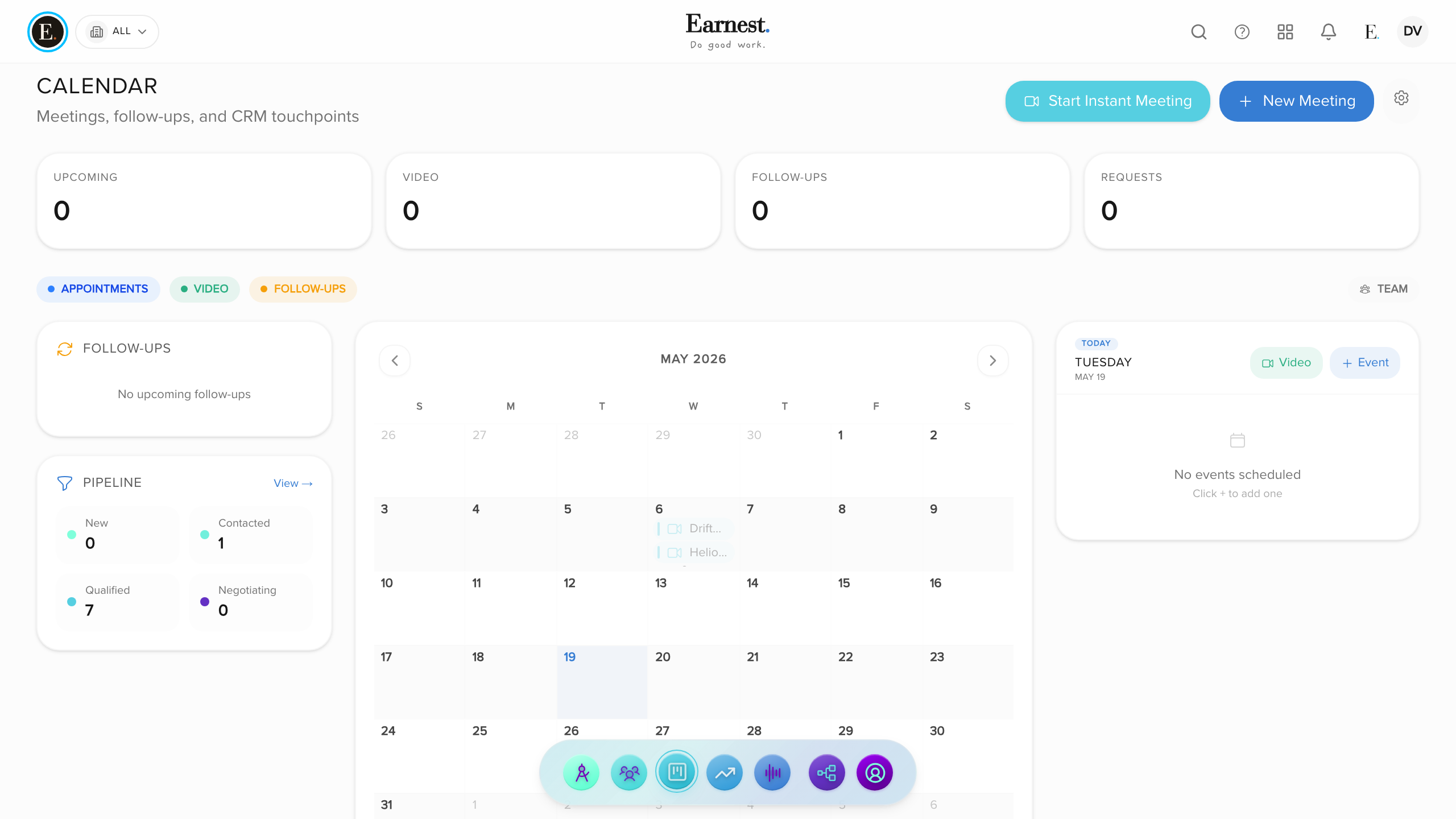
Video meetings that remember what was said. On Solo every meeting is transcribed and recording is off until you switch it on; on Team and Business both are on by default, and the host can change either for any meeting. During the call, open Earnest beside the video and ask what has been covered: it reads the live transcript and answers in a text panel; it never speaks in the call. Afterwards it writes a recap with a summary and action items you can promote into tasks, and drafts the follow-up when you ask. For design review, everyone can mark up a shared screen together, and the host can save the screen and the marks as a snapshot on the meeting.
What you get
Try this live
Drops you straight into the relevant screen with sample data.
Try Meetings & AI Recap
Included in every Earnest plan. No feature gates.
Start free trial